
You must first configure your devices for a competition. Follow instructions HERE.
Once set up:
1. Go to Library and tap Sports Live
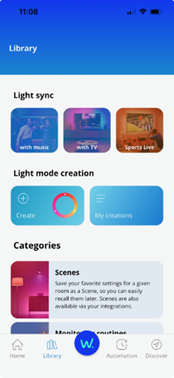
2. Tap Add your favorite teams on the competition card
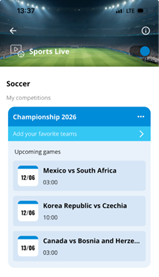
3. Find your team (scroll or search)
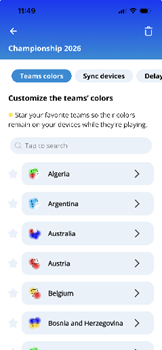
4. Tap the star icon to mark the team as your favourite
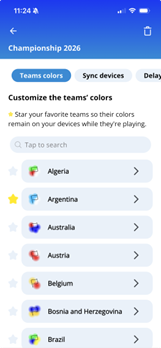
That’s it! When your favorite team plays, your lights will automatically display that team’s colors throughout the game.