You need at least one Bluetooth-enabled color-capable device in your WiZ home to activate Sports Live.
Follow these steps:
- Go to Library and tap Sports Live
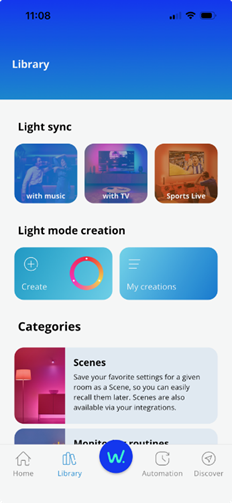
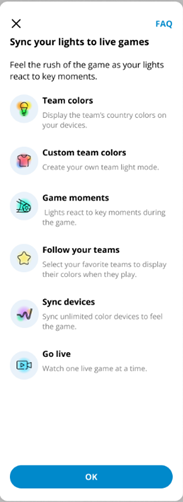
2. Tap OK on the onboarding screen (this only appears the first time)
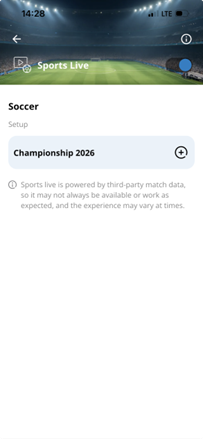
3. Select the competition you want to follow by tapping the "+" icon
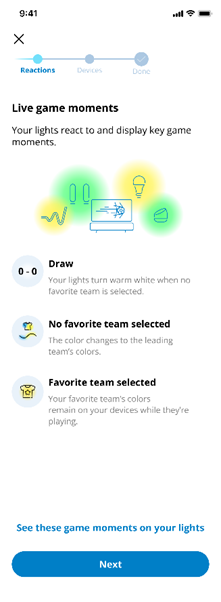
4. Tap Next after reviewing how your lights react during live games
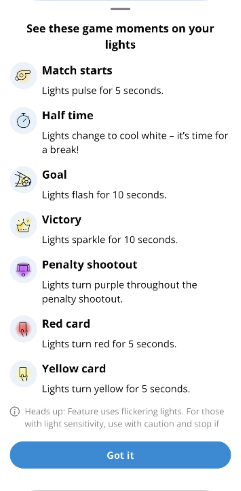
5. Tap Got it to close the game moments’ overview
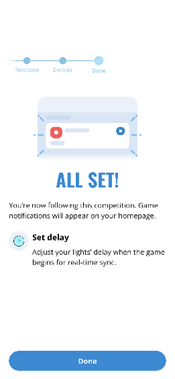
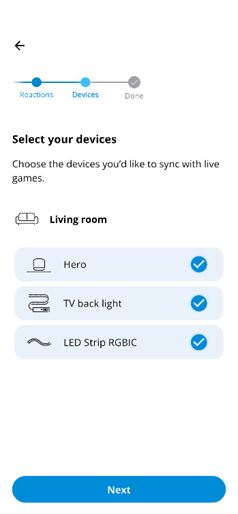
6. Select the compatible devices to sync to the competition and tap Next
7. Tap Done to be redirected to the Sports Live homepage