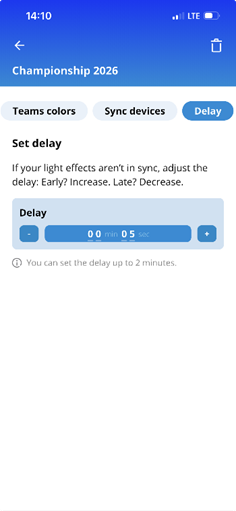
Follow the below instructions to adjust the delay, for your lights to react in real-time to game moments.
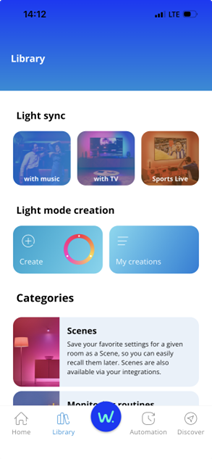
1. Go to Library and tap Sports Live
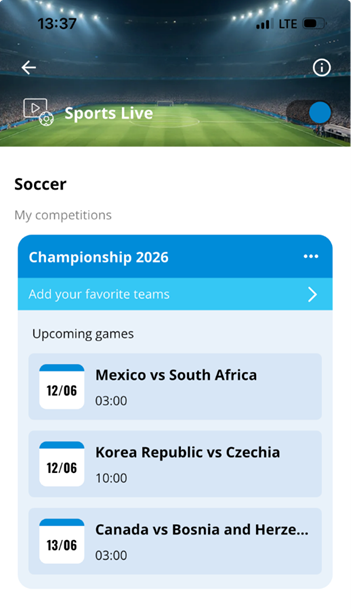
2. Tap the “delay” icon on the competition card if there’s a live game. Alternatively, tap on the "…” setting icon on the game card if there’s no live game.
3. Adjust your delay so your lights match the game timing:
Increase delay > if lights react too early
Decrease delay > if lights react too late