
Country flag light modes can only be previewed on devices configured for that competition. Follow the instructions HERE to first add or remove devices.
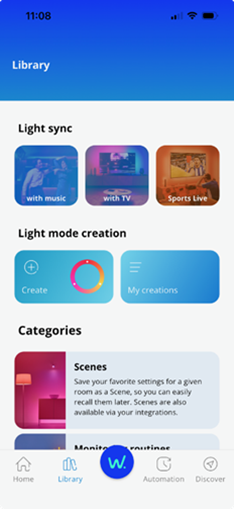
1. Go to Library and tap Sports Live
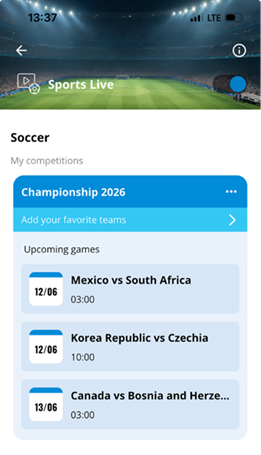
2. Tap Add your favourite teams on the competition card. If a game is live, tap the team’s name in the competition card.
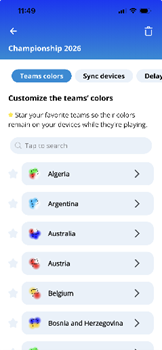
3. Find your team (scroll or search), then tap the team’s name.
4. Select a light mode and tap Preview. Tap Preview again if you adjust the brightness or speed controls.
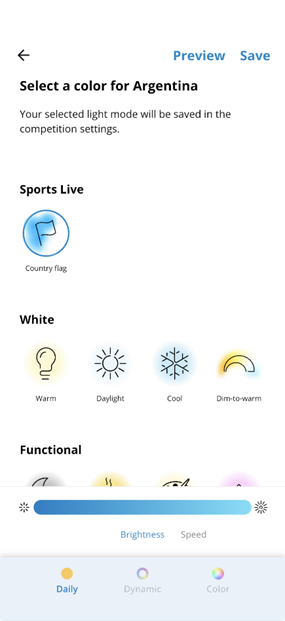
5. Tap Save once you’ve selected your preferred light mode.
The preview light mode will display on your synced devices for approximately 10 seconds. Your lights will then return to their current light mode when:
- You save a light mode, or
- You tap the back arrow, or
- The preview ends automatically after approximately 10 seconds
Note: If you preview a light mode without saving any changes, you need to double tap the pause button on the game card for your devices to rejoin the live game.